



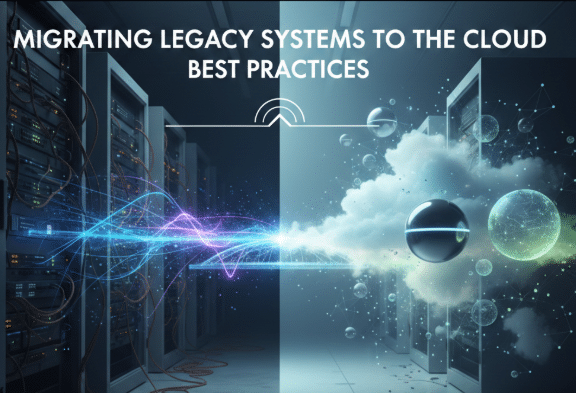
Migrating legacy systems to the cloud has become a strategic priority for businesses aiming to improve efficiency, scalability, and agility. Many organizations still rely on older software and infrastructure that cannot easily support modern applications, handle growing data loads, or integrate with advanced technologies like AI and IoT. Cloud migration not only provides the flexibility to scale resources up or down based on demand but also reduces costs associated with maintaining outdated systems. However, migrating legacy systems is a complex process that requires careful planning and execution to ensure minimal disruption and maximum benefit.
Assess and Plan Your Migration
The first step in a successful cloud migration is a thorough assessment of your existing systems. This includes creating an inventory of all applications, understanding their dependencies, and identifying which are critical for business operations. It’s important to evaluate compatibility with cloud platforms and determine which applications can be modernized, retired, or replaced with cloud-native alternatives. Cost analysis is also essential—comparing current infrastructure expenses with projected cloud costs helps in creating a realistic migration budget. A detailed plan ensures that risks are minimized, stakeholders are aligned, and resources are allocated efficiently for a smooth transition.
Choose the Right Migration Strategy
Not all legacy systems are suited for the same migration approach, so selecting the right strategy is crucial. Options include rehosting or “lift and shift,” which moves applications to the cloud without major changes, offering a faster but less optimized approach. Refactoring modifies applications to take advantage of cloud-native features and improve performance. In some cases, rebuilding the application from scratch or replacing it with a SaaS solution may provide the best long-term benefits. The choice depends on factors such as cost, complexity, business priorities, and the potential to leverage cloud technologies for scalability, automation, and enhanced security.
Secure and Migrate Your Data
Data migration is often the most critical and challenging part of the process. Legacy systems may contain large volumes of sensitive and interconnected data that must be carefully managed during transfer. Organizations should identify critical datasets, remove outdated or redundant information, and ensure data is encrypted in transit and at rest. Creating backups before migration is essential to prevent data loss in case of errors or failures. Once migrated, thorough testing is required to validate data integrity, accuracy, and accessibility. Compliance with regulations such as GDPR, HIPAA, or SOC 2 must also be maintained throughout the migration process to avoid legal and security risks.
Optimize, Monitor, and Train
Migration does not end once systems are live in the cloud. Continuous monitoring of system performance, resource utilization, and costs is essential to ensure the cloud infrastructure operates efficiently. Optimization involves scaling resources appropriately, automating repetitive tasks, and removing unused services to reduce waste. IT teams should be trained to manage the new cloud environment, understand security best practices, and troubleshoot issues effectively. Gathering user feedback and monitoring system usage can highlight areas for improvement and help maintain a seamless experience for employees and customers alike.
Conclusion
Migrating legacy systems to the cloud is a challenging but highly rewarding process. With careful assessment, the right migration strategy, proper data security, and continuous optimization, businesses can modernize their IT infrastructure, improve operational efficiency, and unlock new opportunities for innovation. A well-executed cloud migration not only future-proofs systems but also provides the agility and flexibility needed to stay competitive in a rapidly evolving digital landscape.
